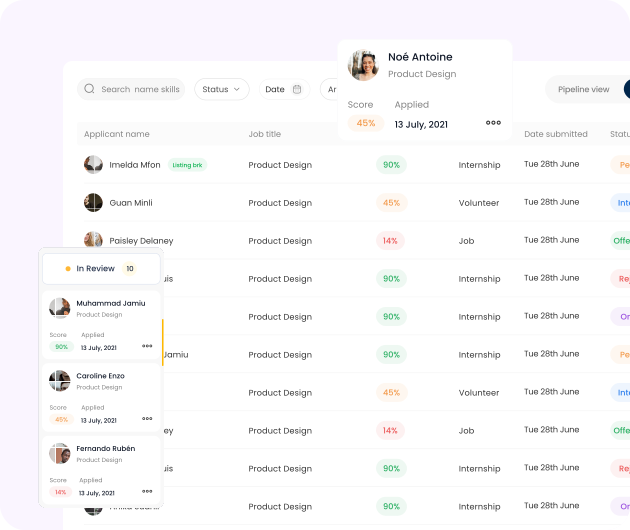
Application management
Manage Every Application With Ease
Track applicants, review profiles, and make hiring decisions seamlessly all from one organized dashboard
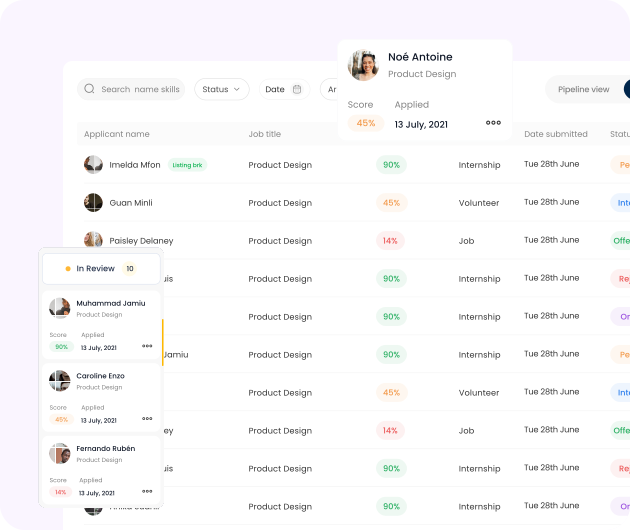
 Full applicant list with filters (status, role, date).
- One-click access to applicant profiles and resumes.
- Track application status (New, Shortlisted, Interviewed, Hired).
- Option to message or schedule directly with candidates.
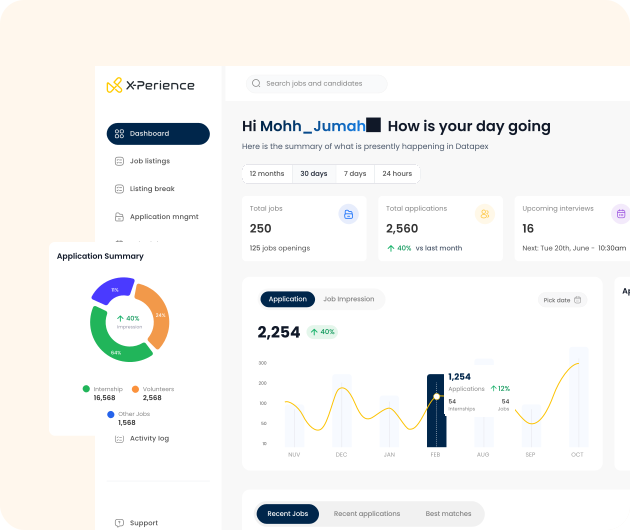
 Dashboard Overview
See everything happening on your company profile at a glance
The decision-driven dashboard summarizes all your recruitment activities and insights from total applicants and job performance to engagement metrics.
Get instant visibility into what's working, where to improve, and how to optimize your hiring process.
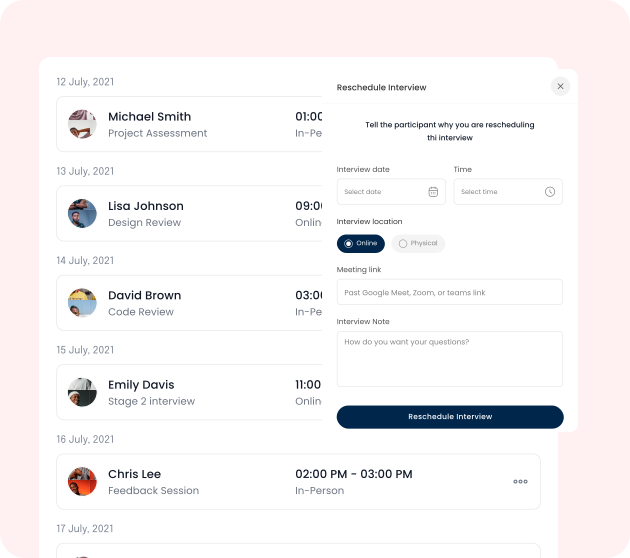
 Interview Scheduling
Schedule and Host Interviews With Applicants
Plan interviews, discovery calls, and meetings with candidates, online or in person with confidence.

Calendar-Based Interview Scheduling
Organize interviews effortlessly with a built-in calendar that keeps your hiring schedule clear and structured.
Integration With Online Meeting Tools
Connect seamlessly to your preferred video platforms to host online interviews without switching between apps.
Automatic Reminders and Candidate Confirmations
Keep everyone on track with smart reminders and instant confirmations that reduce missed sessions.
Meeting rescheduling and management
Easily reschedule or update interview details without disrupting your hiring flow.
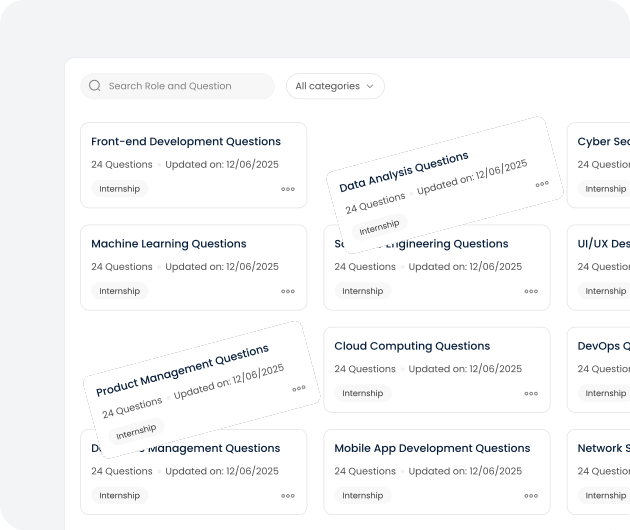
 Interview Questions
Access a preloaded question bank tailored to each role
- Role-specific question folders
- Ability to add, edit, or reuse custom questions.
- Option to assign question sets to interview stages.
 Staff Management
Collaborate With Your Team Seamlessly
Invite staff to your company profile to manage listings, interviews, and analytics together.
- Add multiple staff accounts to your company profile.
- Define roles and permissions (e.g, Recruiter, Admin, Editor).
- Track staff contributions and listing updates.
- Collaborate in real time on job postings and interviews.
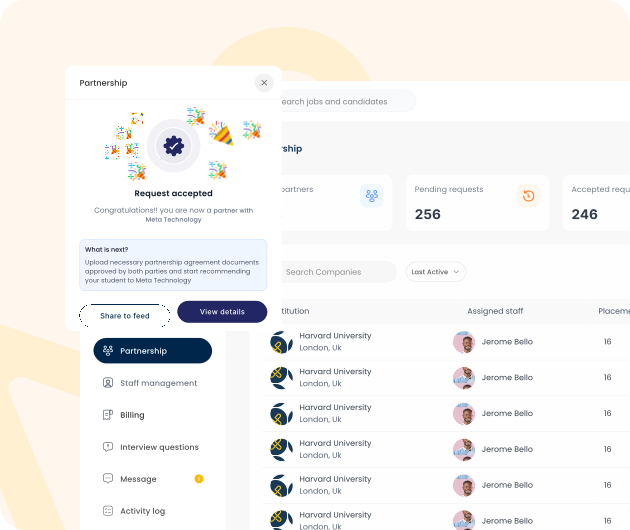
 Partnership
Get vetted interns easily form partnered institutions
Partner with trusted institutions on X-Perience to source pre-screened, recommended interns who are ready to contribute. Reduce hiring risks, save recruitment time, and connect with students whose skills and profiles align with your workforce needs.